Nano Banana 2.1 Powered
Uses Nano Banana 2.1 for image generation and editing.
Morrow's AI character generator starts with your photo. Choose from 21 styles, including realistic, anime, 3D and cartoon, then save or download your result.
Create character New accounts get 4 free starter credits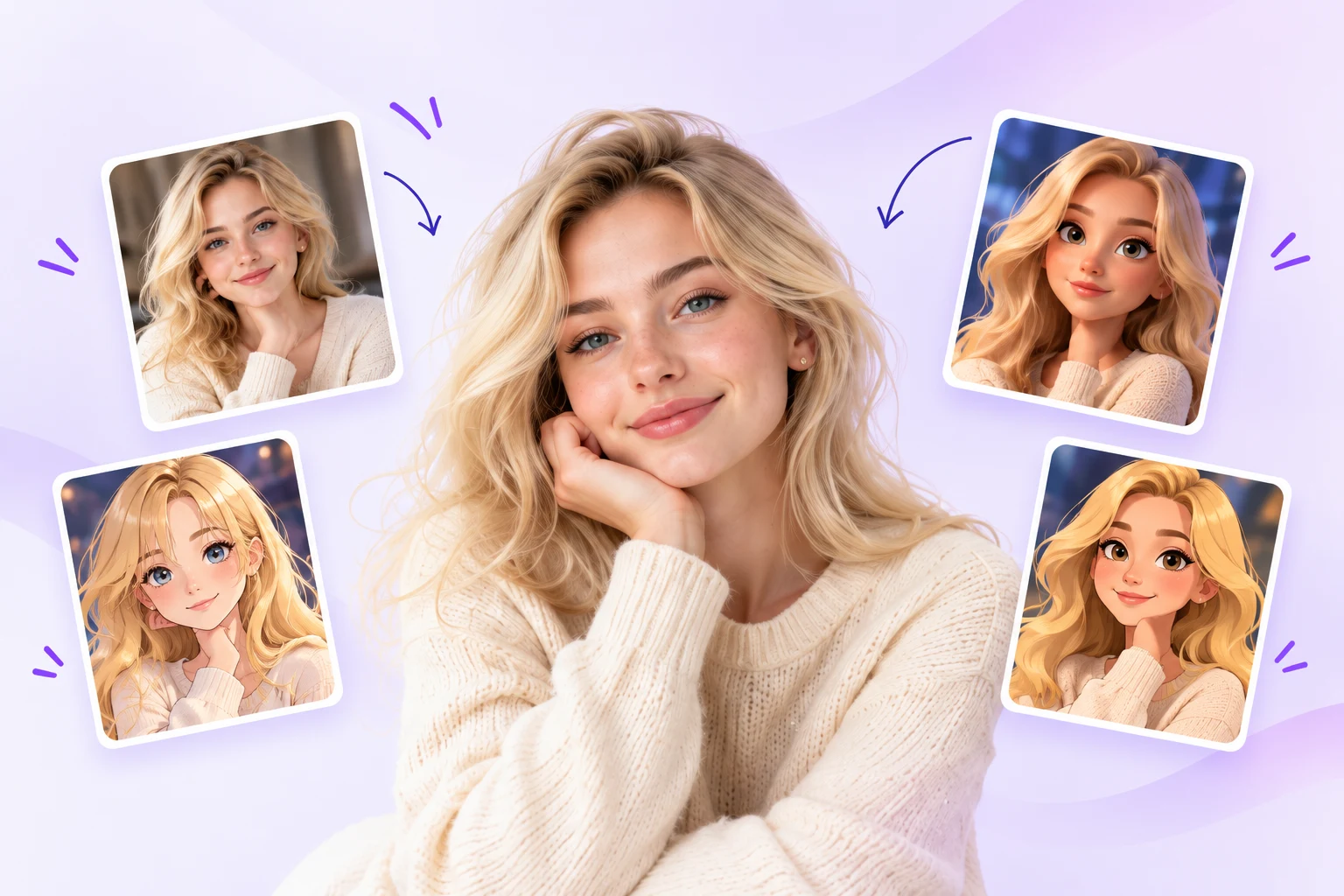 Turn your photo
Upload a clear photo of yourself.
Pick from realistic, anime, 3D, cartoon and more.
Generate and save your new character images.
Different faces. A familiar warmth. Find a style that feels like you.
The same person, interpreted in 3D, anime and cartoon.

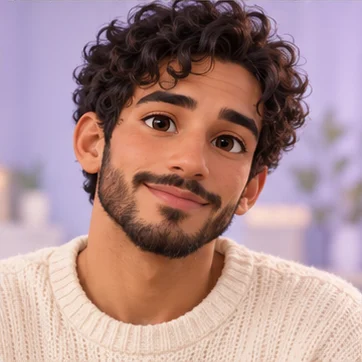
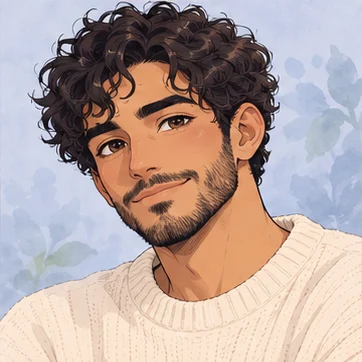
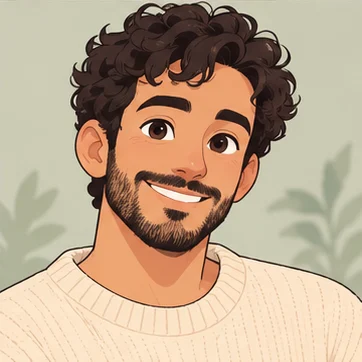
Concept artwork showing style directions. Actual results vary.
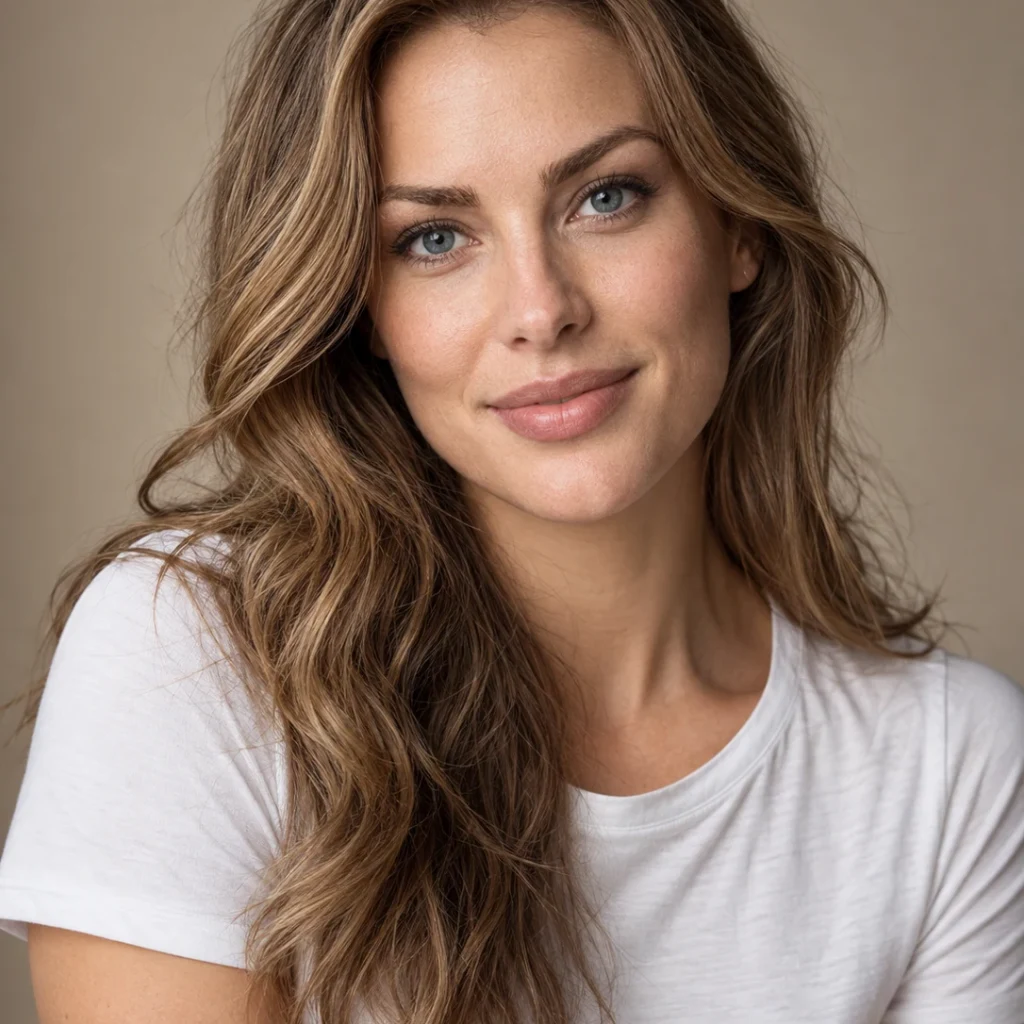
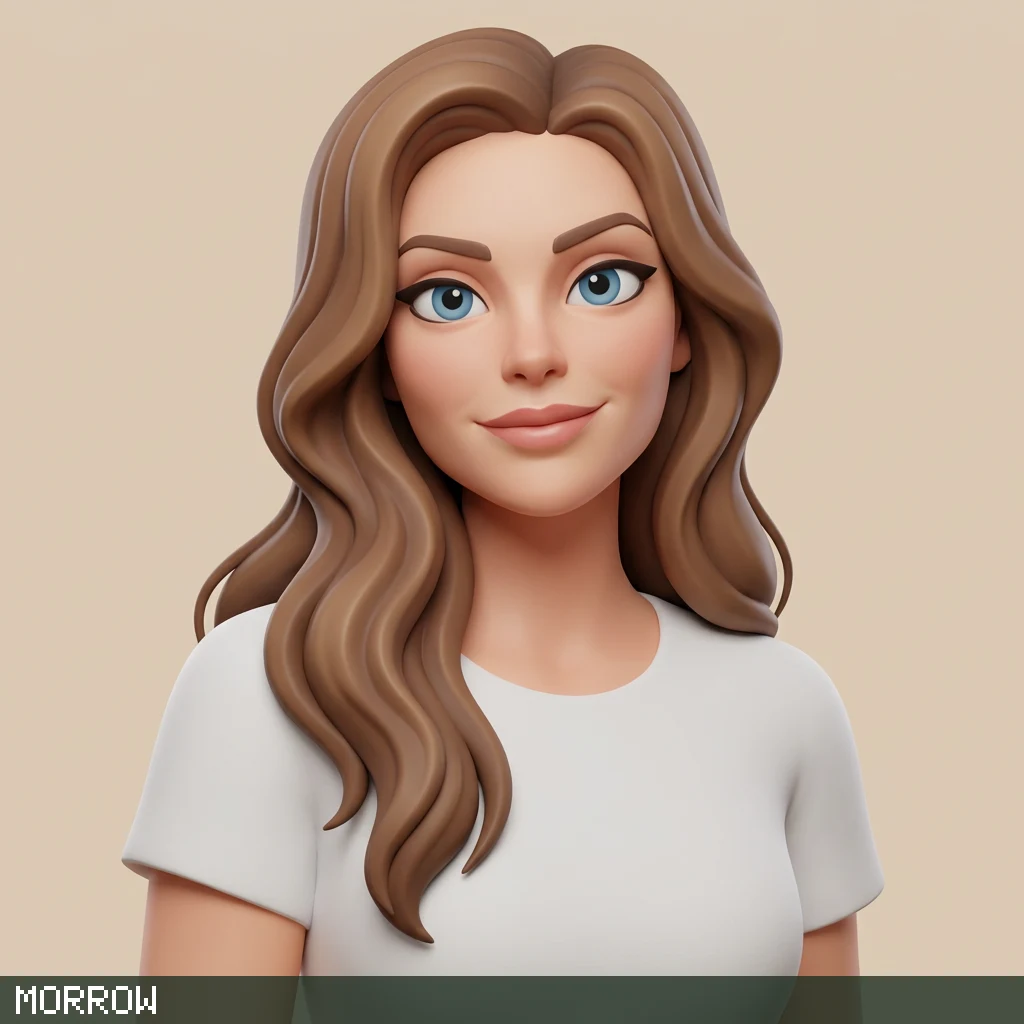
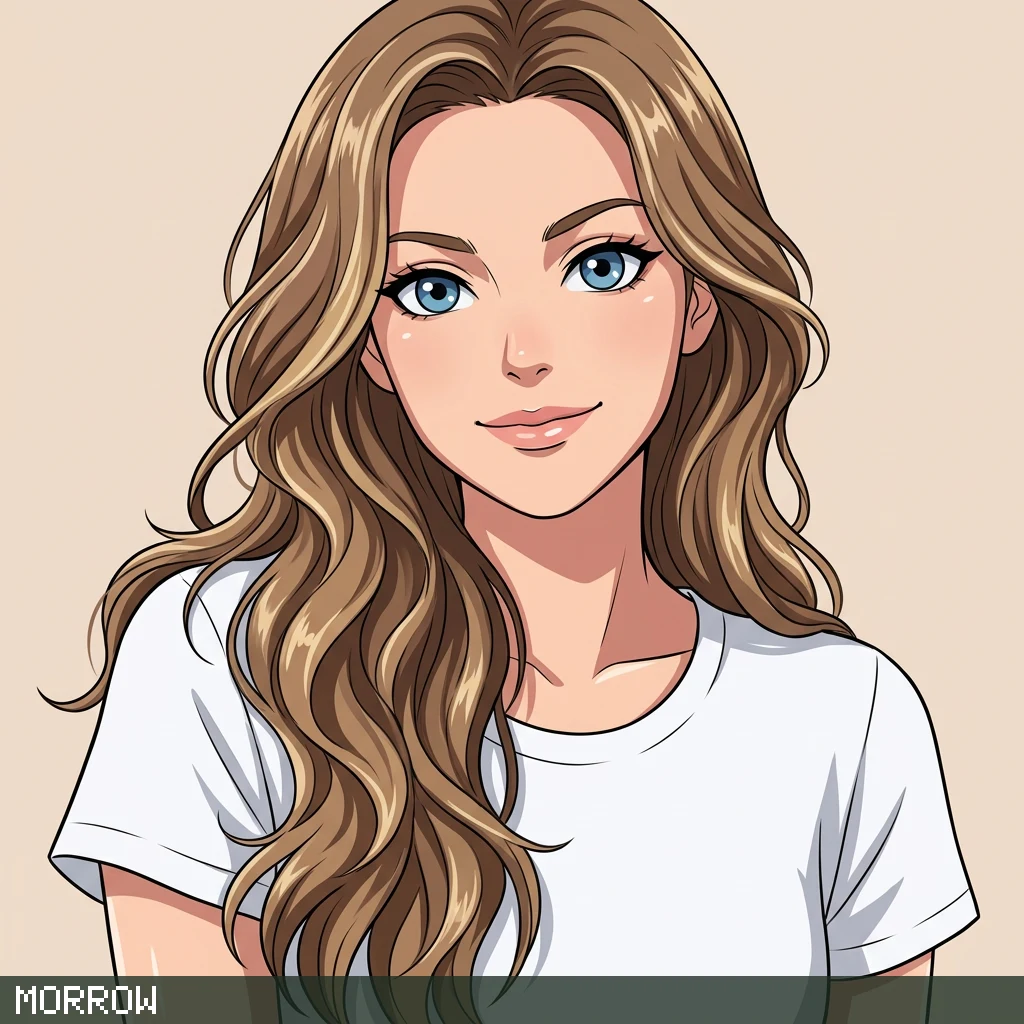
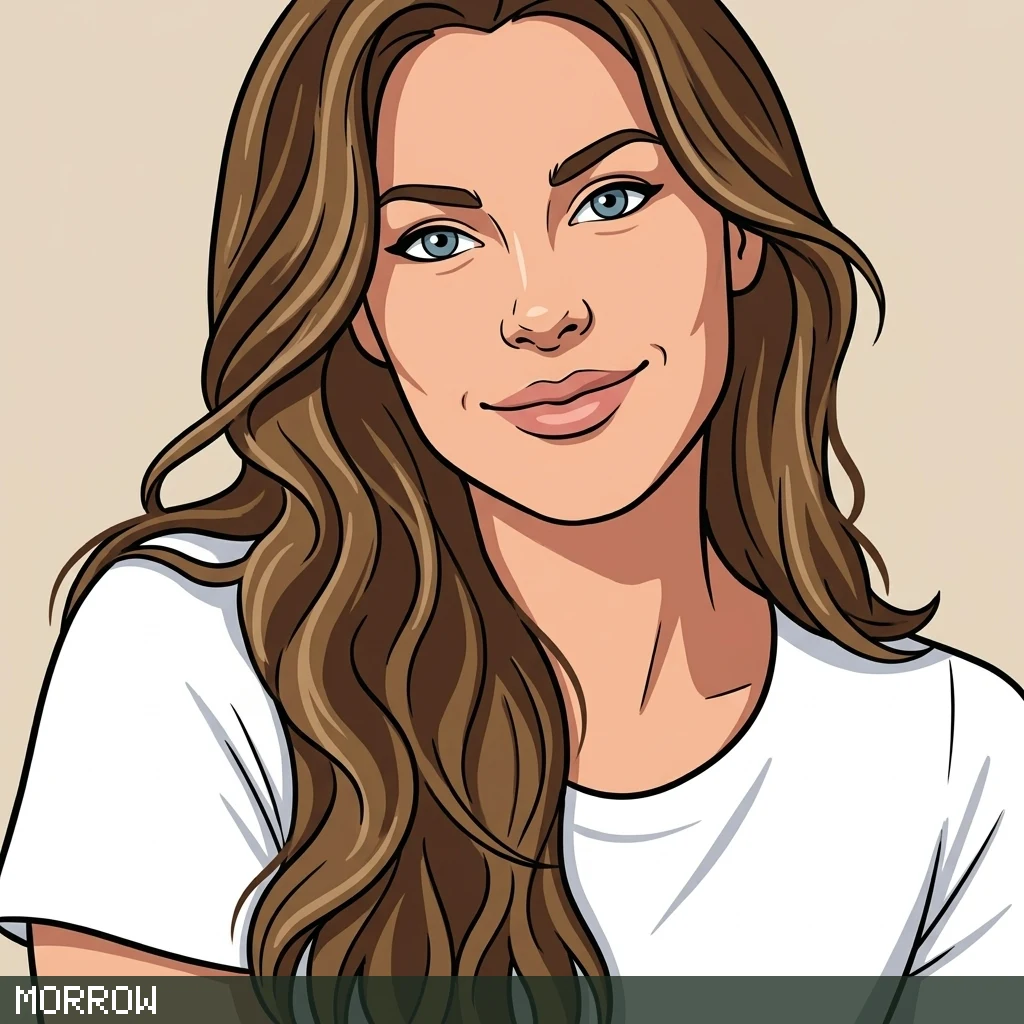
Actual site outputs from the fictional reference shown. These examples were generated with the previous model. New image generation and editing use Nano Banana 2.1.
Five style tests from the same fictional reference. Open a case to see the input, prompt and limits.
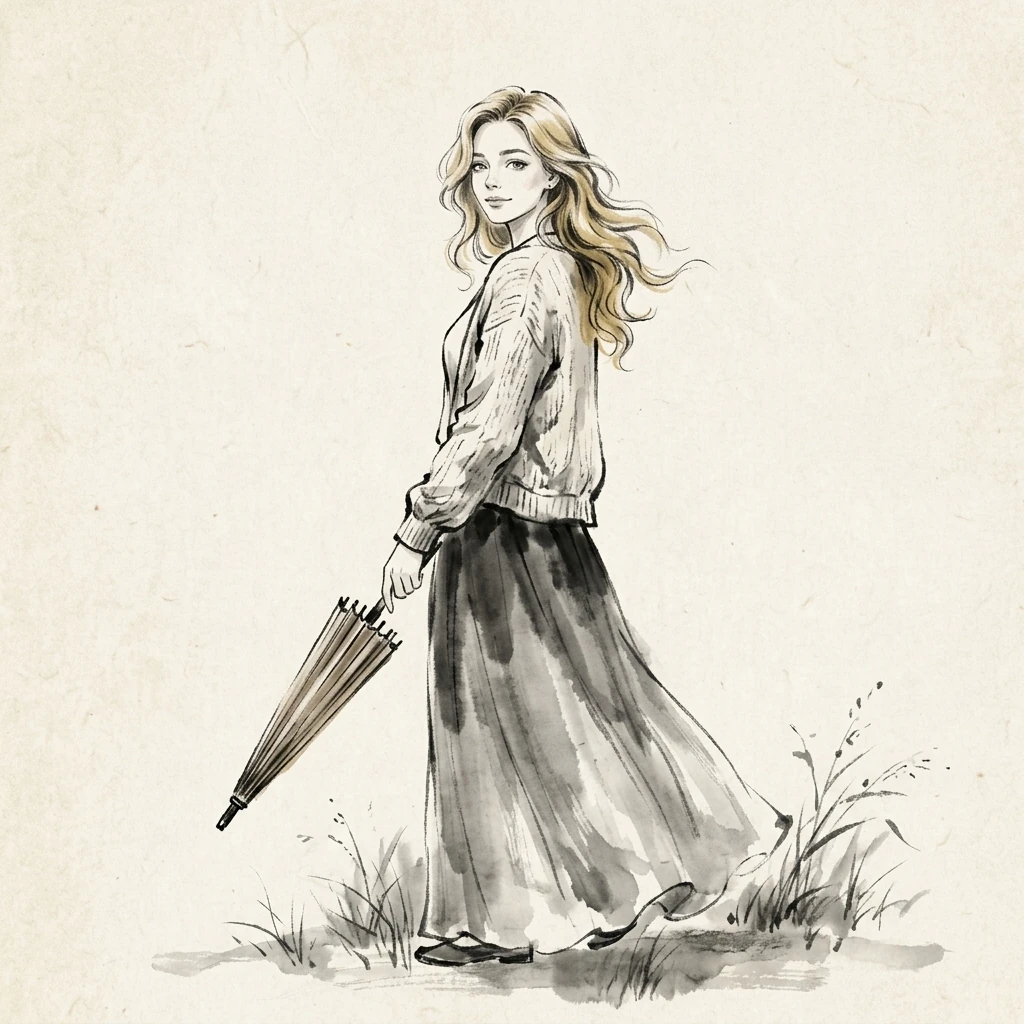 Actual output
Expressive ink contours, diffuse washes and quiet space on paper.
Nano Banana 2.1 · 1K · 13 Oct 2026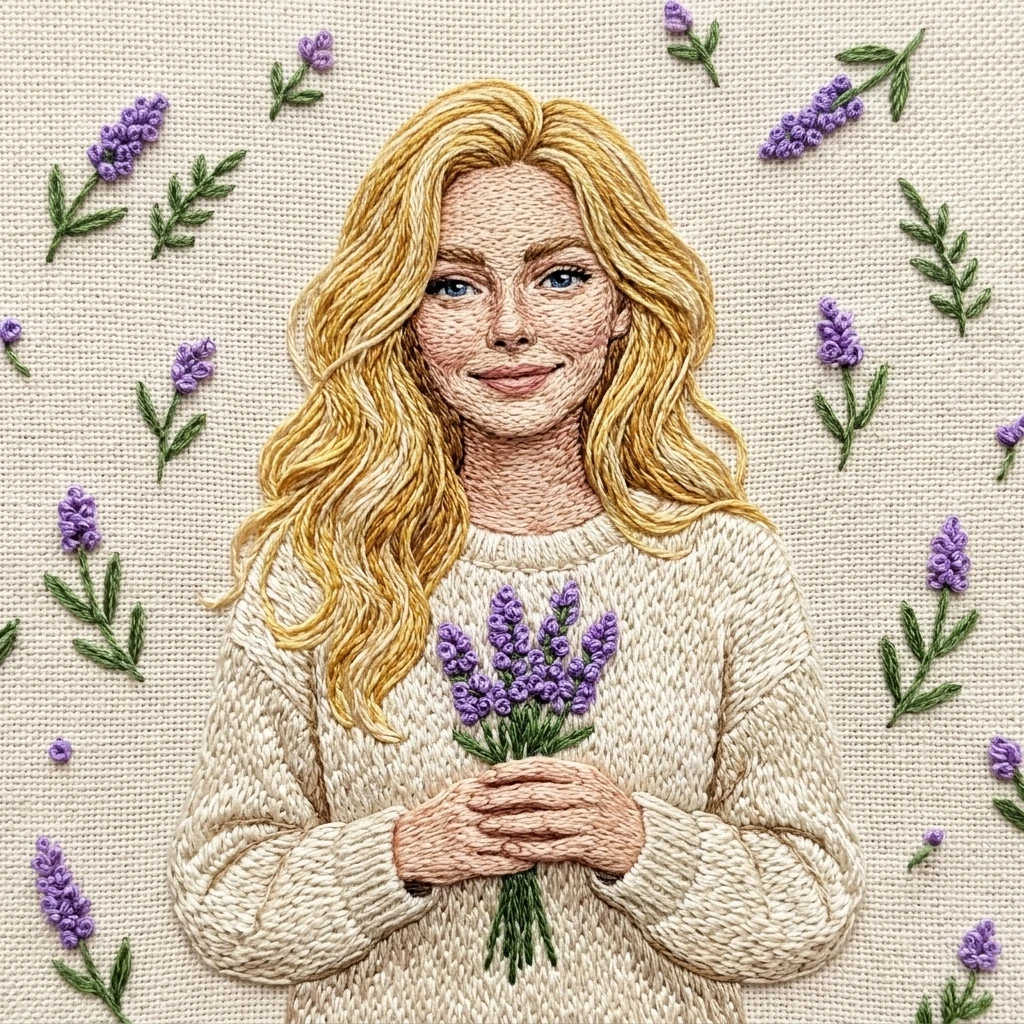 Actual output
Raised silk stitches and tactile fabric shape the entire portrait.
Nano Banana 2.1 · 1K · 13 Oct 2026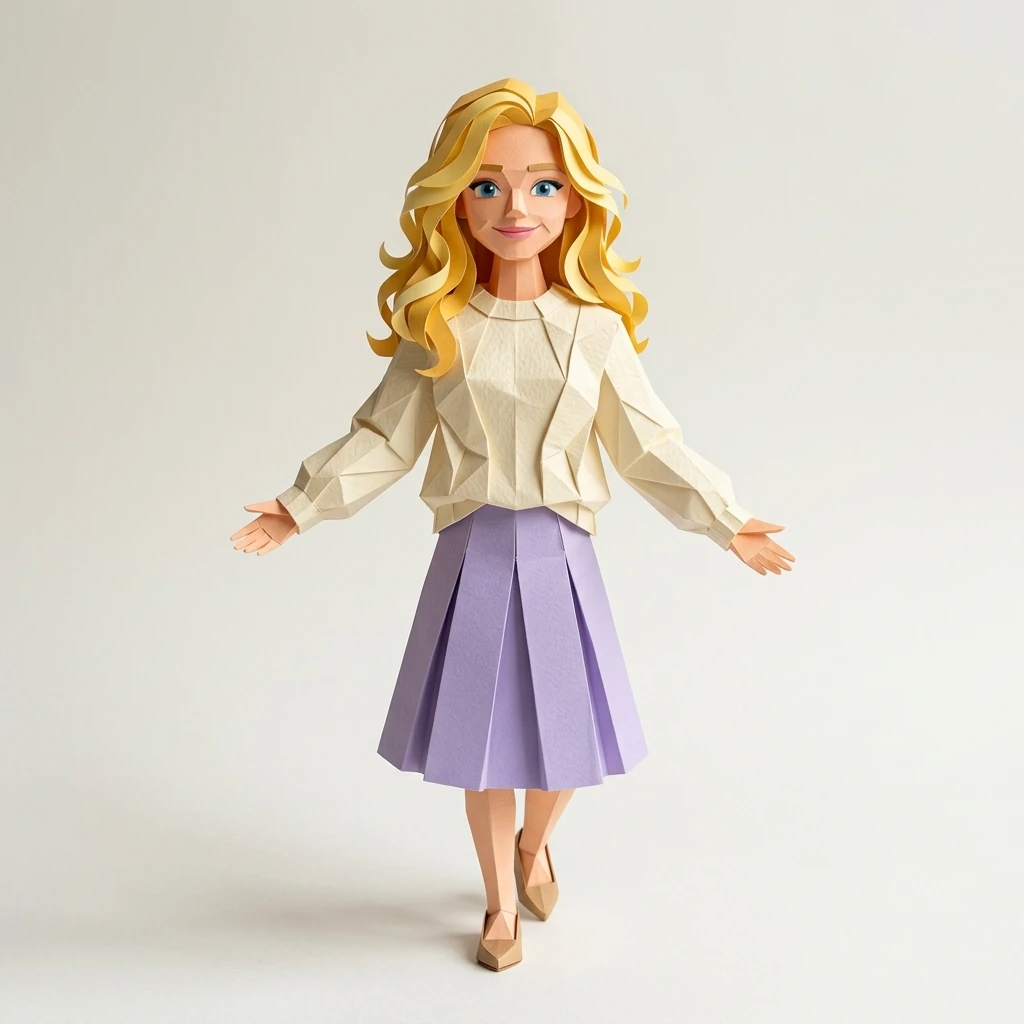 Actual output
Folded paper planes and sharp creases give the character volume.
Nano Banana 2.1 · 1K · 13 Oct 2026These images were generated with Nano Banana 2.1. They show individual results, not a promise of the same likeness, pose or quality for every photo.
Use our AI character from image guides to choose a medium, prepare your photo and decide which details matter most. For a specific result, start with an AI portrait from your photo, a chibi character, or a fantasy character.
Find your styleStart with your photo, compare the recorded examples, then choose a workflow.
New accounts get 4 starter credits for one standard image. Additional work uses credits; check the costs.
Turn your reference into a character image you can save and use.
Uses Nano Banana 2.1 for image generation and editing.
Choose from 21 styles, including realistic, anime, 3D and cartoon.
Keep your character reference, save your creations and download your images.
Upload, adjust your photo once, choose a style, and generate.
How to start, what can change, and what to check before keeping your result.
Choose Create character and select a reference image. Sign in if prompted, then confirm the crop, choose a style and review the credit cost before generating. You can download your result or save it as a character for later creations. A name is optional when starting and required when saving a character.
Follow the first-image guideUse a clear photo or character image with one visible subject, good lighting and an unobscured face. Upload a JPG, PNG or WebP up to 10 MiB and 8 megapixels. The confirmed crop must also fit these limits. Only use images you own or have permission to edit. Blurry, distant or crowded references make facial details harder to preserve.
Check the upload requirementsChoose from 21 style presets, including realistic, anime, cartoon, 3D, watercolor and pixel art. Compare the illustrative previews in the style gallery before choosing. Each preset guides the look and may change proportions. All outputs are still 2D images; a 3D style does not produce a rotatable model, mesh or rig.
Explore all character stylesYour image guides the result, but an identical likeness is not guaranteed. Face shape, features, eye color and proportions can change, especially with more stylized presets. Compare each result with your reference before keeping it. Our real examples show recorded inputs and outputs; homepage concept artwork is labelled separately.
Compare real inputs and resultsYou can reuse a saved main reference for later creations. Reopen the same character, focus each request on a small change such as an outfit or setting, and compare every output with that reference. Exact consistency is not guaranteed. If repeated edits drift, return to the main reference and try again.
Read the character consistency guideYes. Describe the change in a new request or use Edit on a selected result. In the creation workspace, More options offers Expressions, Character sheet (front, side and back) and Scene set. Review each operation's cost before submitting. Changes can also affect the face or composition; an exact pose or unchanged identity is not guaranteed.
Find the editing and set controlsNew accounts receive 4 one-time starter credits, valid for 30 days. A standard single image costs 4 credits, so the allowance covers one standard generation with a watermarked result. This is not a daily grant or unlimited free generation. Image sets, edits, background removal and upscaling have their own costs; check them before submitting.
Check credits and pricingYes. Download an existing result as PNG or JPG without spending additional generation credits. On the result screen, open More for Remove background or Upscale to 2K; these are separately charged operations. Edit also has its own cost. Inspect the full image and hair edges before downloading. These are raster files, not SVG vectors, layered source files or 3D models.
Follow the transparent-background workflowUploads and creations are private to your workspace and are not automatically posted to a public gallery. Kie.ai and SeeAPI receive the images or prompts needed for generation and safety review. Waffo Prompt Sift also checks text prompts before generation. We do not promise zero provider training or automatic physical deletion after 30 days. Read the privacy policy before uploading sensitive material.
Read how your images are handledCheck the source-image rights, likeness permissions, applicable supplier and model terms, and your intended use before using a result commercially. A paid Morrow plan alone does not grant blanket commercial rights, establish copyright ownership or guarantee a unique result. Our commercial-use checklist explains what you need to review.
Review the commercial-use checklist