Keep one main reference
Start with an image you approve. Saving a result as a character makes that image the character's main reference. Record visible traits such as face shape, hairline, hairstyle and clothing. Use that reference for later versions.
Editing a version does not silently replace the saved main reference. Repeatedly editing a drifted image can carry those changes into later attempts.
Reopen the saved character when starting a scene or expression set. Keep its main reference and style stable, then compare every result with that same image. A new result is a candidate for later use, not an automatic replacement for the reference.
Choose generation, Edit or a Scene set
| You want to | Use in Morrow | Input |
|---|---|---|
| Make one new variation | Single image | The saved character reference |
| Change an existing result | Edit | The selected generated version |
| Plan four settings | Scene set | One saved reference, four descriptions |
Each operation uses the input shown in the workspace.
Expressions is a separate six-image request for different moods. Start it from the saved character reference too if you want to compare expressions with your scene images. Each request has its own cost and results to review.
Change one thing at a time
Keep the main reference and style fixed. Start with one outfit or setting change before requesting several changes together. In a four-image Scene set, edit each scene description while keeping the same visible identity cues. For Expressions, change the mood while keeping framing and appearance instructions comparable. Compare the visible features in each result.
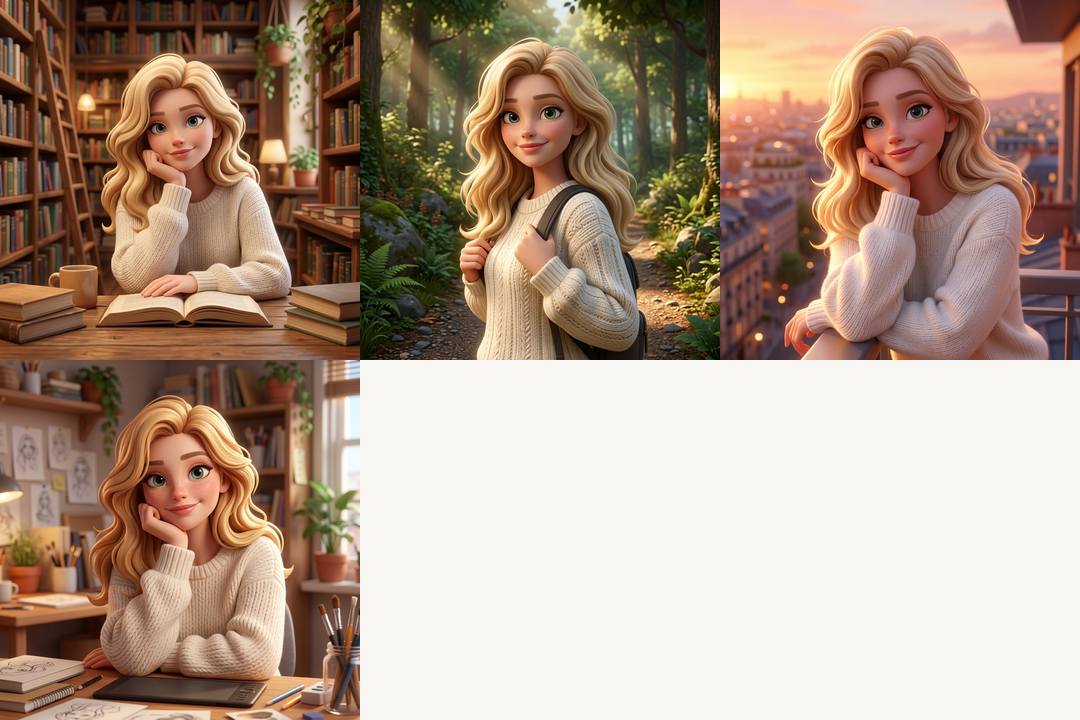
To create a different background for your character, keep the saved main reference and describe the new scene, then check both the character and the background in each result. The output includes the character in the requested setting.
Keep the character from the reference recognizable: preserve the visible face shape, hairline and hairstyle. Place this one character in a quiet bookshop with late-afternoon window light. Change the outfit to a navy denim jacket over a white shirt. Half-body portrait, simple background, no text.
Suggested instruction, not a tested scene output. For a Scene set, write four separate descriptions and inspect each result.
Check identity before judging the scene
An outfit change can change more than the outfit.
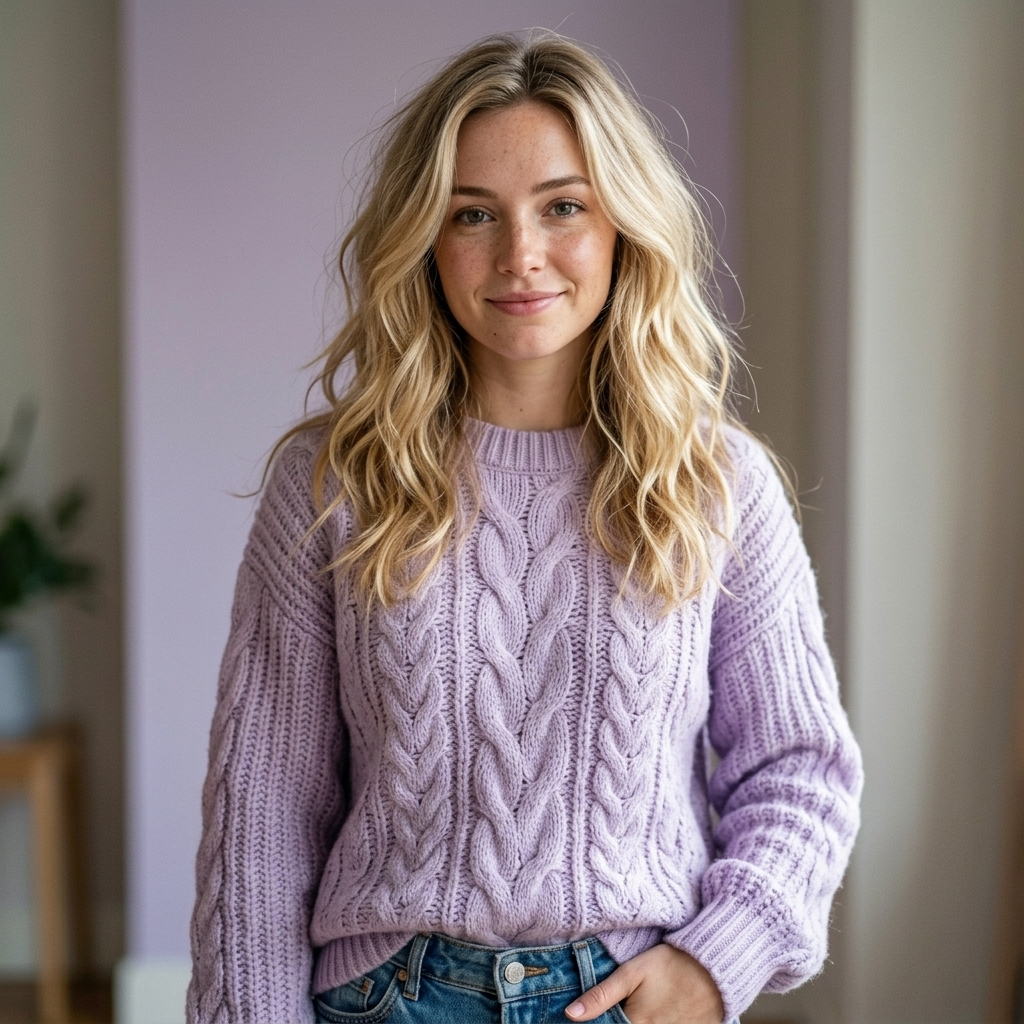
- Requested change
- Lavender sweater.
- Also recorded
- The rendering style, pose and composition changed alongside the sweater.
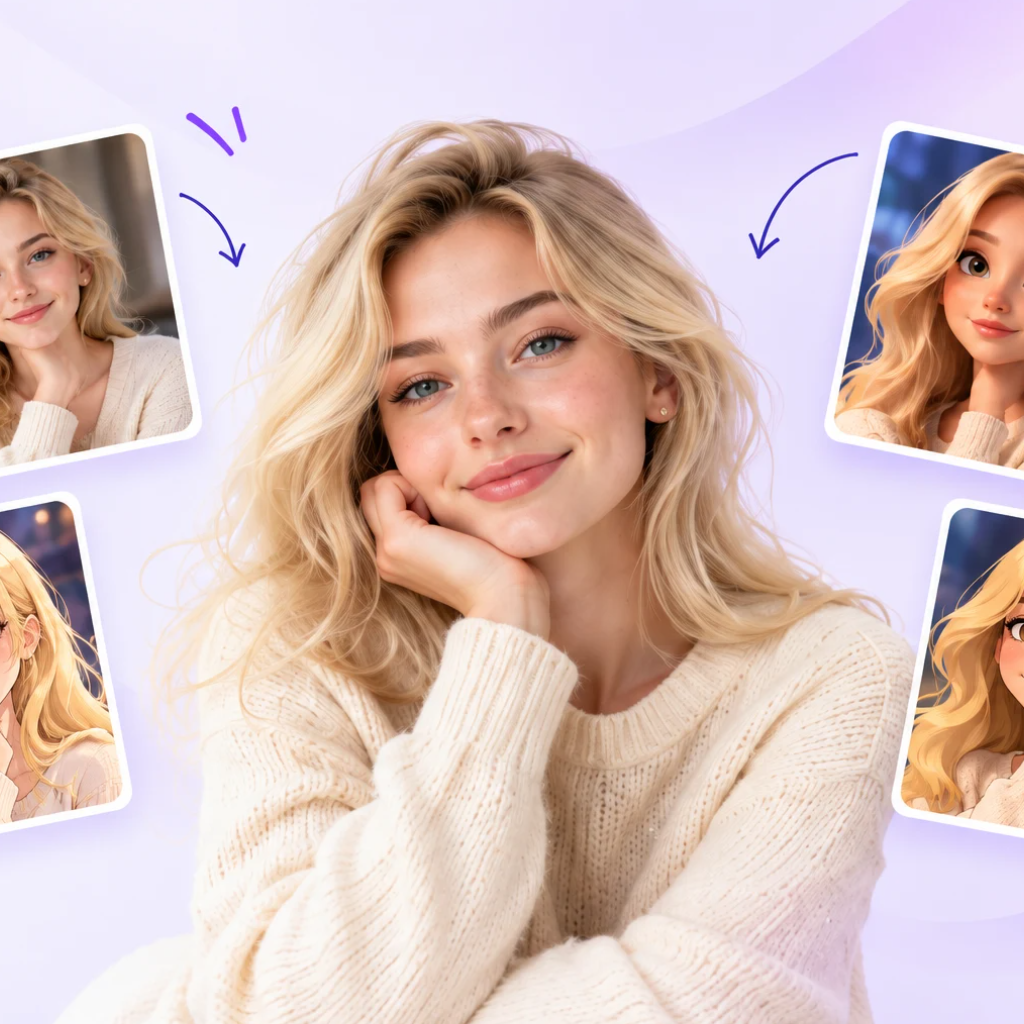
About the edit example
This October 15 record contains the edit output and the original workflow reference. The selected version submitted to Edit is not shown, so a direct input/output comparison is unavailable. The isolated acceptance record, including safety-review conditions, is described in Models.
When a result no longer looks like your character
Return to the reference if details drift
If the face changes, return to the saved main reference rather than continuing from the drifted version. Reduce appearance instructions and request one controlled change. If the outfit barely changes, name one garment, color and material. If the setting hides the character, simplify it. For expression drift, compare the affected image with the main reference before changing just the mood description in a new request.
Credits and actual evidence
Single image: 4 credits. Edit: 4 credits. A four-image Scene set reserves 16 credits; a six-image Expressions set reserves 24. Each successful child image consumes its share; confirmed failures release their reserved share. Downloading an existing image does not use generation credits.
Review inferred side and back details before using the images together. The character views checklist shows what to inspect.