Transparent background character images for your layout.
Create a character image first, then use Remove background on that result. This two-step workflow is useful when you need a cutout for a layout or a character portrait without its original setting.
Create a character8 credits for one generation plus one background removal. New accounts receive 4 starter credits. See current pricing.
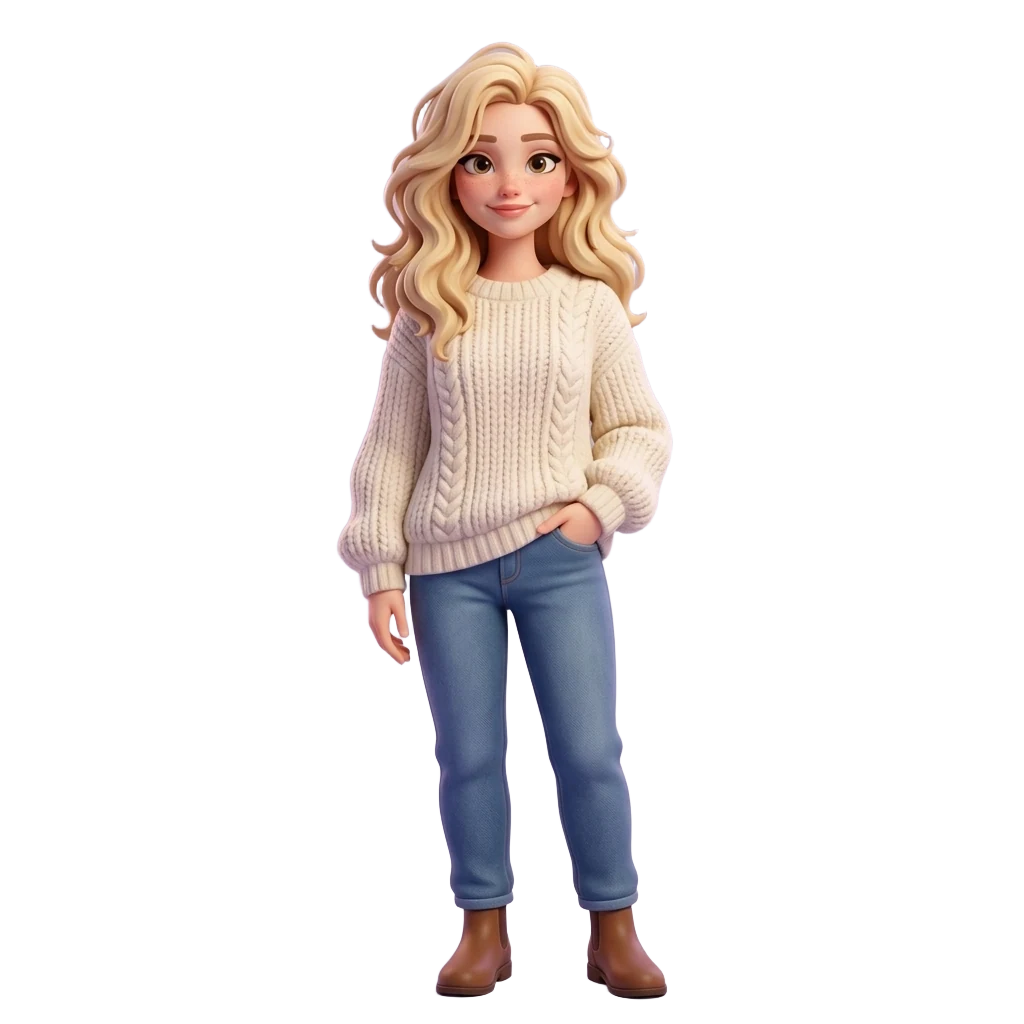
From your reference to a result.
Create a usable character
Upload a reference, choose a style and generate one image. Leave room around the outline when you can.
Open the completed result
Choose the image you want to cut out. Background removal operates on a generated result, not on an empty canvas.
Choose More, then Remove background
Open More on the selected result. Review its separate credit cost and submit. The existing service processes the image and returns a new version.
Inspect the transparent file
Open the completed version and download it. Check the edge against both a light and dark background before using it in another layout.
What happened in this test.
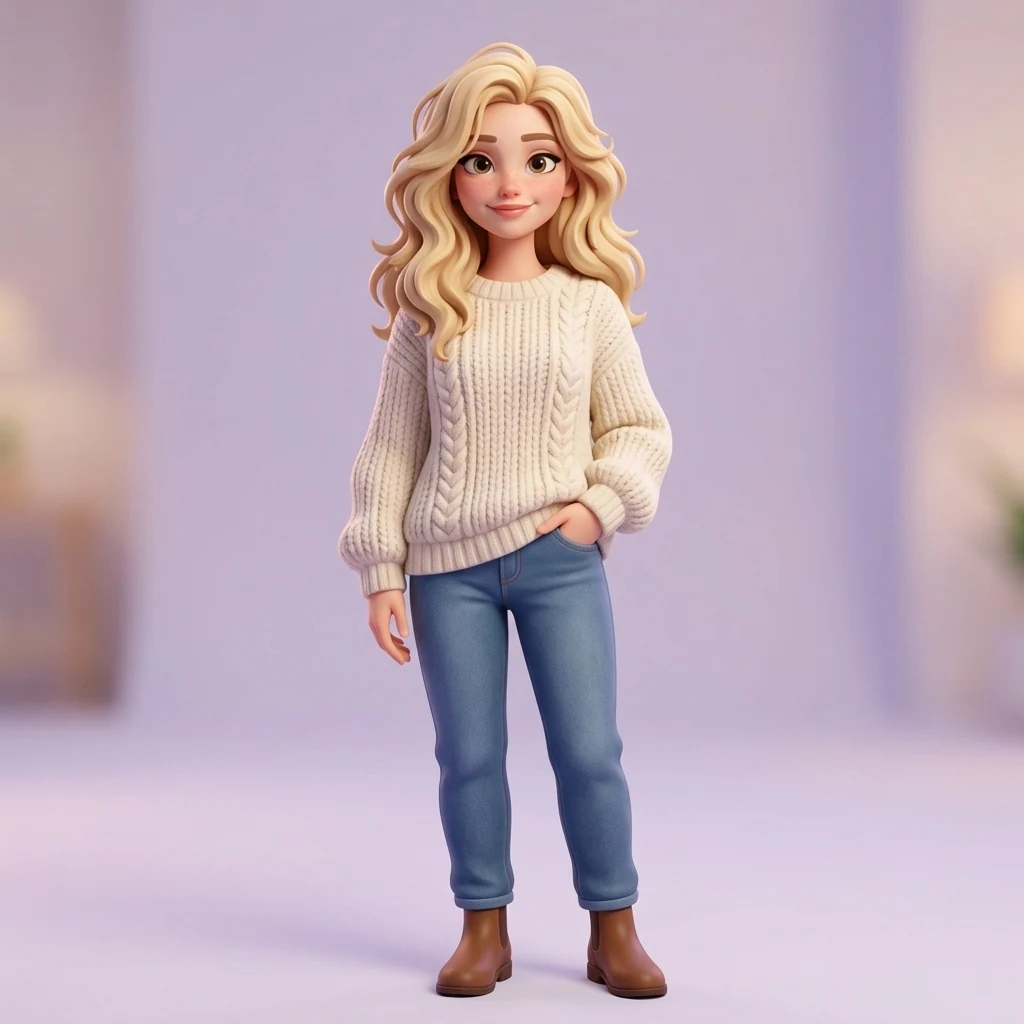
This recorded operation removed the background from an existing image for 4 credits. The 8-credit workflow above includes a separate new generation.
Visible in the output
- Recraft returned one 1024 × 1024 result; 849245 pixels are fully transparent and 187779 are partly transparent.
What this does not establish
- Input was a prior generated 3D-style character view, not a newly uploaded photo.
- The Recraft operation takes an image input; no text prompt was sent to the model.
Test conditions
Prior formal-source isolated API, scheduler, Kie and SeeAPI acceptance; image-only Recraft operation. Not a fresh production-site test.
Model: recraft/remove-background. Operation: remove-background.
This image-only operation did not send a text prompt.
Before you spend credits.
- Use the result action Remove background; asking for a white background does not create transparency.
- Inspect hair, loose fabric, gaps between limbs and small accessories. Cutout edges can need another attempt.
- Removing a background keeps the foreground character. It does not erase a person and reconstruct the scene behind them.
The starter grant covers one standard image. It is a trial, not unlimited free generation. Sets, editing and background removal have separate costs. Read the credit and failure answers.
Common questions.
Why is this a separate step?
Character generation and background removal are separate operations in Morrow. Each has its own cost and result; this page does not promise that a generation prompt alone produces an alpha channel.
Can I remove a person from a photo?
That is a different task. Remove background isolates the foreground character; it is not a person-removal and background-reconstruction tool.
Does a checkerboard prove transparency?
No. A checkerboard can also be baked into an image. The recorded example below was checked for actual transparent pixels; inspect the downloaded file rather than relying only on its preview.